


Below, we explore nine of the most powerful AI‑powered thumbnail tools on the market, each with its own flavor and strengths. Whether you’re launching a niche Creepypasta channel (as I did!) or building a travel vlog empire, one of these options is sure to match your style and workflow.
Why Thumbnails Matter—and How AI Helps
Getting thousands of impressions on a video means your SEO and keywords are on point. But if only a trickle of those viewers actually click play, something’s off with your thumbnail or title. AI thumbnail makers streamline the design process by:
- Generating professional‑quality images in seconds
- Applying proven color schemes and compositions known to maximize CTR
- Offering templates and customization so every thumbnail feels on‑brand
With AI handling the basics, you can focus on crafting titles and content that keep viewers coming back.
1. Midjourney: Ultra‑High‑Fidelity Creativity
Best for: Bespoke, painterly thumbnails that scream “premium.”
Midjourney remains a top pick for YouTubers who want art‑level visuals. You feed it a detailed “/imagine” prompt—describing subject, mood, color palette, and aspect ratio (e.g., --ar 16:9)—and Midjourney conjures a striking digital painting. Throw in your own images to blend styles, and you’ll end up with truly one‑of‑a‑kind thumbnails that command attention.
2. ChatGPT’s DALL·E Integration: Rapid Prototyping
Best for: Quick experiments and simple, rule‑based designs.
With DALL·E baked into ChatGPT‑4, you can casually request a YouTube‑ready image (“simple shapes, three elements, red/yellow/orange palette, no text”) and get back a polished result—often within your chat interface. This hybrid approach lets you iterate fast and then tweak directly in your favorite editor.

3. Jasper Art: Beginner‑Friendly Flexibility
Best for: Writers who want a gentle introduction to AI art.
Jasper’s image‑generation module may not rival Midjourney’s depth, but it offers intuitive controls—mood sliders, art styles (from “pop art” to “surrealism”), and even language options. If you’re already using Jasper for copywriting, its unified workflow can streamline your entire content‑creation process.
4. Canva: The All‑Rounder’s Workhorse
Best for: End‑to‑end editing and template‑driven design.
Canva isn’t purely AI, but its Magic Media image generator (powered by DALL·E) and treasure trove of thumbnail templates make it indispensable. After generating a base image, drop it into Canva to add text layers, overlays, icons, and your logo—all in a drag‑and‑drop interface. The free tier is generous; upgrading to Pro unlocks unlimited stock images and premium AI features.
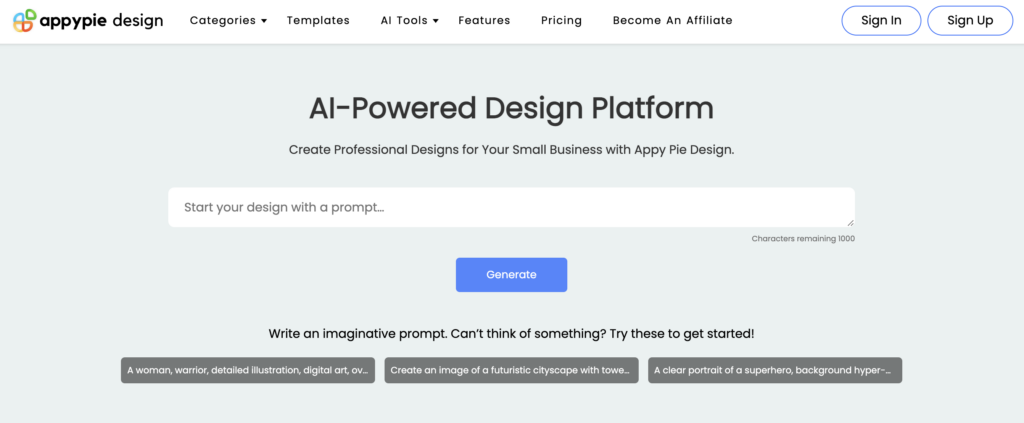
5. Appy Pie Design: Data‑Driven Templates
Best for: Creators who want on‑trend, tested layouts.
Appy Pie taps into millions of performance metrics—think Google Ads click data—to suggest thumbnail designs proven to convert. Its collection of 47 theme‑specific templates means you can launch a thumbnail in minutes, then fine‑tune colors and text to fit your brand.
6. Simplified: Content‑Aware Thumbnails
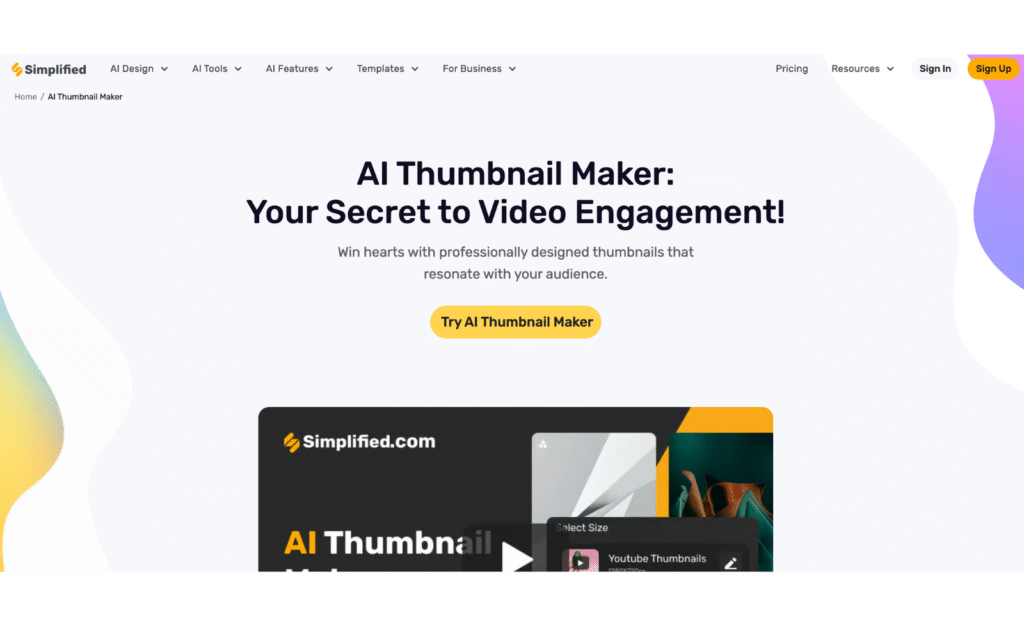
Best for: Those who want AI to “watch” their video and pick the perfect frame.
Simplified analyzes your actual video content, using machine learning to identify the most compelling moments for a thumbnail. From there, it generates designs that marry relevance with visual punch. The broader design suite also helps you whip up banners, social ads, and more.
7. Veed.io: One‑Stop Video & Thumbnail Suite
Best for: Streamlined workflows that combine editing and thumbnail creation.
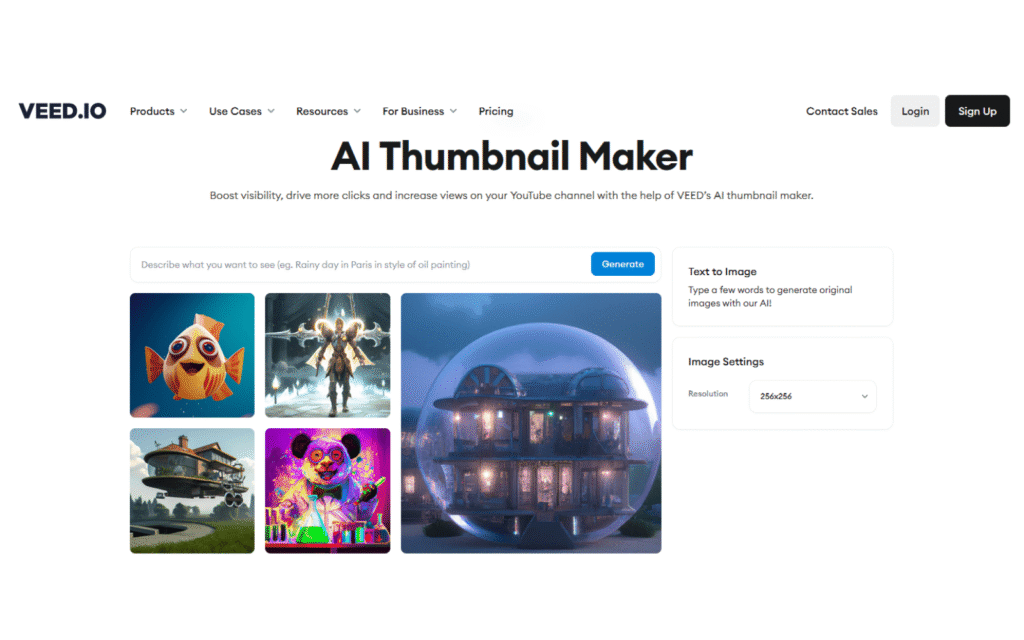
Veed.io’s free AI thumbnail maker sits alongside its video editor—so you can trim clips, add subtitles, and export a tailored thumbnail all in one dashboard. Simply enter a prompt, generate images, and then drop your favorite into the editor for final polish.
8. Thumbnail.ai: Platform‑Agnostic Design
Best for: Quick, no‑frills thumbnail batches across channels.
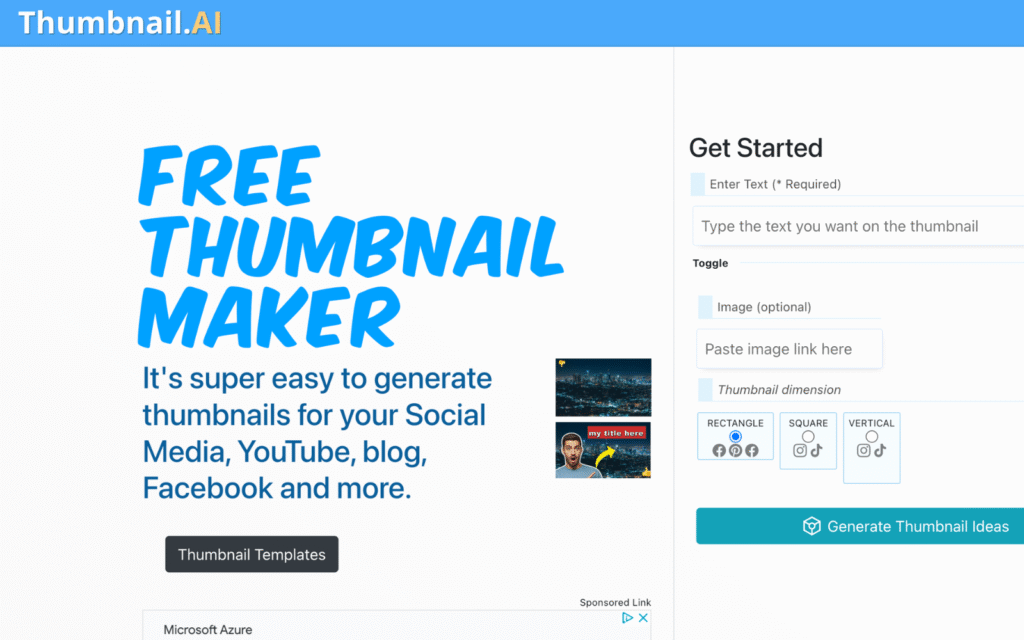
Thumbnail.ai isn’t limited to YouTube; with a few keywords, it spits out attention‑grabbing designs suitable for blogs, social stories, and beyond. Its straightforward interface makes bulk thumbnail generation a breeze.
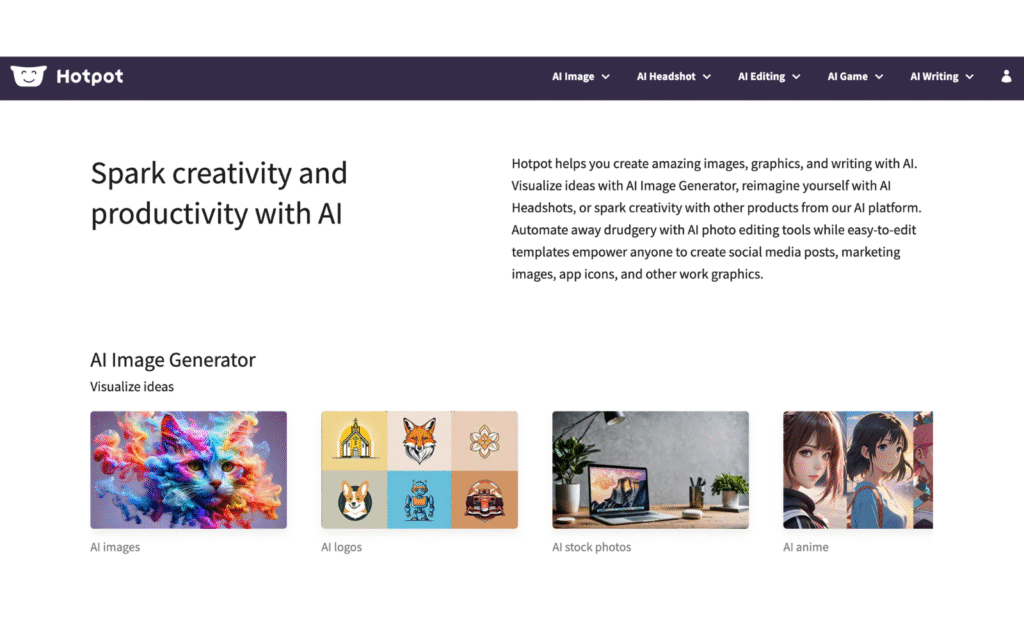
9. Hotpot.ai: Templates + AI Headshots
Best for: Personal‑brand creators and face‑forward channels.
Hotpot.ai pairs classic thumbnail templates with a clever AI Headshots feature—ideal if you want a stylized version of yourself looking straight at the camera. The drag‑and‑drop editor and lightweight presets let you roughed‑in a thumbnail in under a minute.
Putting It All Together
Each of these nine tools brings something different to the table. If you crave absolute creative freedom and have a gift for crafting prompts, Midjourney is unmatched. If you prefer template‑driven ease combined with final‑mile editing, look no further than Canva or Appy Pie. For video‑centric creators who want AI to do the heavy lifting, Simplified and Veed.io are compelling one‑stop solutions.
Whichever path you choose, the key is experimentation. Run A/B tests, track your CTR, and refine your prompts or templates over time. By leaning on AI for the initial design work, you free up mental bandwidth to focus on storytelling, community engagement, and growing your channel. After all, a great thumbnail is only the beginning—your content still needs to deliver. But with a powerful AI thumbnail maker in your corner, you’ll be off to a much stronger start.


