



In today’s digital landscape, a well-structured content hub can be your secret weapon for attracting traffic, boosting SEO, and establishing your brand as an authority. A content hub is essentially a curated library centered on one core topic, with supporting assets—articles, videos, infographics, podcasts—that dive into related subtopics. By organizing your material around a central theme, you make it easier for search engines and readers to find, consume, and share your expertise. Here’s how to create your own content hub in six straightforward steps.
1. Select Your Central Theme
Every content hub starts with a clear, focused topic—one you know inside and out and that aligns with your audience’s needs. Think of this as the “master” page: for instance, a finance hub might be titled “Master Your Money,” while a fitness brand could build a “Complete Guide to Home Workouts.” Choosing a narrow, well-defined theme helps keep your content cohesive and ensures you cover all the angles readers care about.
2. Conduct Thorough Keyword Research
Once you’ve locked in your main theme, dive into keyword research to uncover the specific questions and phrases people use when searching for information on that topic. Tools like Ahrefs, Semrush, or Google Keyword Planner can help you:
- Brainstorm seed keywords
- Expand with related long-tail queries
- Identify search volume and competition
- Select a mix of high-volume, low-competition keywords for your hub and subpages
This step not only guides your content but also improves your chances of ranking on page one of Google.

3. Define Your Subtopic Pillars
With your primary keywords in hand, map out 6–10 subtopics that support and enrich the main theme. For a “Home Workout” hub, subtopics could include:
- Bodyweight routines
- Equipment essentials
- Warm-up and cool-down techniques
- Nutrition for fitness
- Tracking your progress
Each pillar becomes its own piece of content—whether an article, video, or infographic—linked back to the central hub page to reinforce relevancy and authority.

4. Create Engaging, High-Quality Content
Now comes the fun part: crafting the actual content. Mix and match formats to appeal to different learning styles:
- Blog posts for deep dives and how-to guides
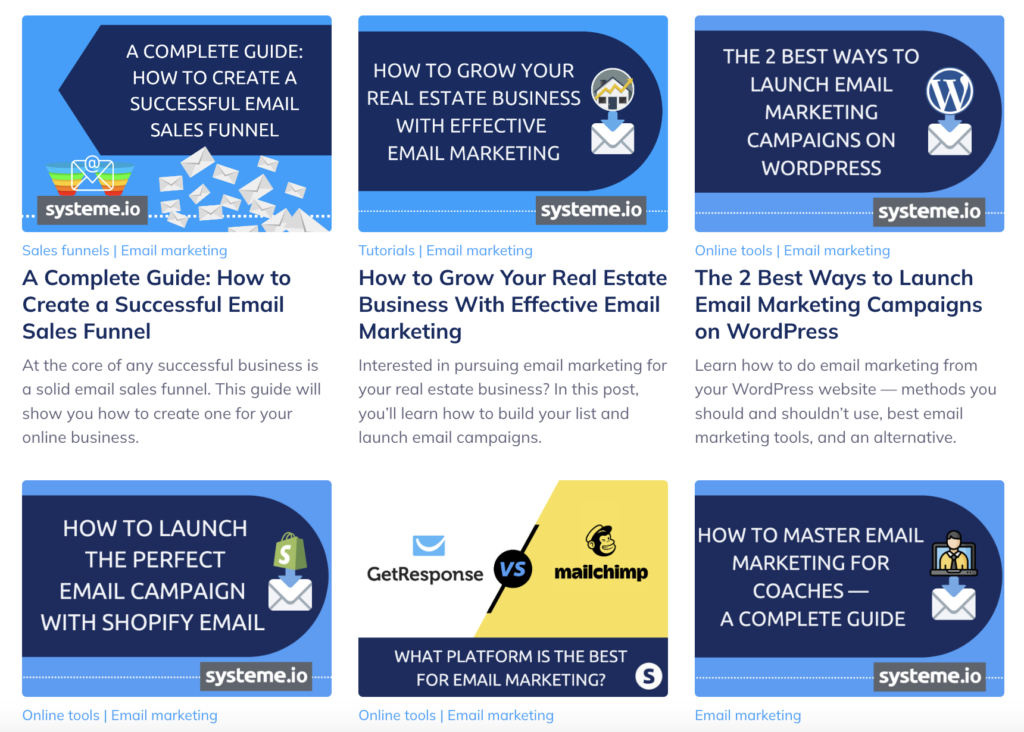
- Infographics to visualize complex data or step-by-step processes
- Videos showcasing demonstrations, interviews, or behind-the-scenes footage
- Podcasts offering conversations with experts or Q&A on key questions
Whether you write it yourself, work with freelancers, or repurpose existing materials, aim for clarity, depth, and originality. Always tailor your voice and visuals to your brand identity.

5. Weave in Internal Links
Internal linking is the connective tissue of your content hub. On each pillar page, link back to the main hub and to other related subtopics. This structure:
- Guides readers through your content journey
- Signals to search engines how your pages relate
- Distributes link equity across your hub
Tools like LinkWhisper can automate suggestions for relevant internal links, saving you time and ensuring you don’t miss any valuable connections.
6. Optimize for SEO and Monitor Performance
Finally, fine-tune each piece for on-page SEO:
- Include your target keyword in titles, headers, and meta descriptions
- Use descriptive, keyword-rich alt text for images
- Ensure mobile-friendly design and fast load times
- Implement schema markup where relevant
After publishing, track metrics—traffic, time-on-page, bounce rate—using Google Analytics or similar. Regularly revisit your hub to refresh outdated data, add new subtopics, and refine based on performance insights.
Why Content Hubs Pay Off
Investing in a content hub delivers multiple benefits:
- Authority Building: A well-organized hub showcases your expertise and positions you as a thought leader.
- SEO Boost: Focused content clusters help search engines understand your niche, improving rankings.
- Increased Traffic: Covering all angles of a topic attracts more organic visitors.
- Enhanced Engagement: Readers stay longer when they can seamlessly explore related content.
- Lead Generation: Hubs provide natural opportunities for calls-to-action—ebooks, webinars, newsletter sign‑ups.
Extending Your Hub to Social Media
Don’t limit your hub to your website. Use social channels as mini-hubs:
- Instagram Reels or TikTok videos to tease key insights
- Twitter threads or LinkedIn articles diving into subtopics
- YouTube playlists grouping your how‑to videos
Each platform becomes another gateway, driving users back to your main hub for fuller deep dives.
Content Hub vs. Website: What’s the Difference?
While your website is your brand’s digital home—showcasing who you are, your offerings, and general info—a content hub is a specialized subsection focused purely on educational or problem-solving content. Think of your website as your storefront, and the content hub as the curated reading corner within, where visitors linger, learn, and engage deeply.
Ready to become the go‑to resource in your niche? Follow these six steps to launch a content hub that not only elevates your SEO game but also wins your audience’s trust—and keeps them coming back for more.


