



In today’s fast‑paced video landscape, creating standout YouTube content is more than just hitting “record.” From crafting eye‑catching thumbnails to scripting engaging hooks, every step demands time and creativity. Thankfully, a new generation of AI tools is swooping in to handle the heavy lifting—helping both seasoned creators and newcomers work smarter, not harder. Below, discover seven AI‑driven platforms that can transform your YouTube process, from ideation to audience engagement.
1. TubeBuddy: Your YouTube Marketing Sidekick
Best for: Keyword research, SEO, and channel management
Getting eyeballs on your videos starts with optimization—and TubeBuddy makes that effortless. This Chrome extension plugs right into YouTube, equipping you with powerful AI features:
- Keyword Explorer: Unearth high‑traffic search terms tailored to your niche.
- AI Title Generator: Craft clickable titles that boost click‑through rates.
- Thumbnail Grader: Instantly see which images resonate, with AI‑driven scoring.
- Bulk Publishing Tools: Schedule uploads and bulk‑apply settings in seconds.
- Royalty‑Free Music Maker: Generate custom background tracks or browse a library of AI‑composed tunes.
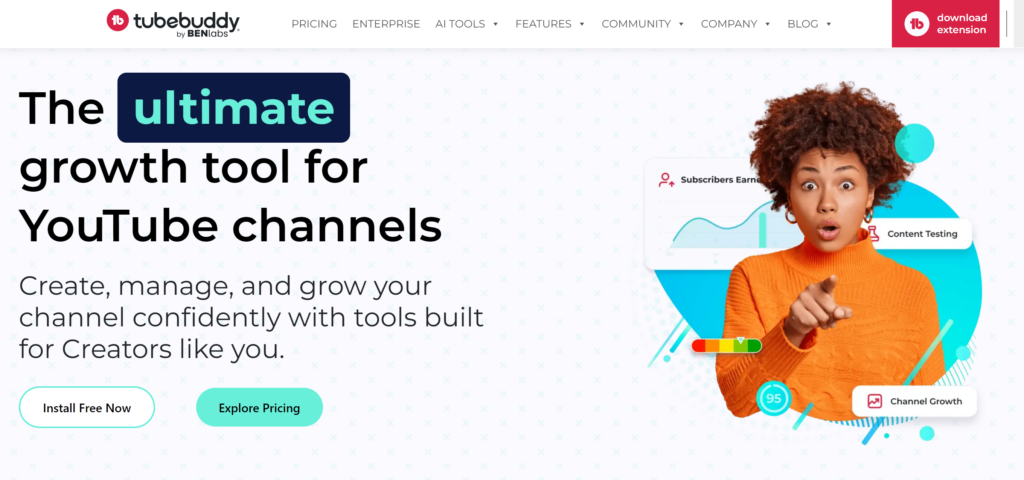
With over 14 million creators on board, TubeBuddy streamlines channel growth—so you can spend less time juggling settings and more time making great videos.
2. Jasper AI: Scriptwriting That Sparks Engagement
Best for: Video scripts, outlines, and SEO‑friendly descriptions
Staring at a blank page? Jasper leaps into action with YouTube‑specific templates:
- Intro Hooks & Listicle Scripts: Fill in the blanks for attention‑grabbing openers.
- Topic Research & Outlines: Get data‑backed suggestions to structure your video.
- SEO Title & Description Builder: Weave your keywords naturally for better search visibility.
- Collaborative Workspaces: Share drafts with up to three team members—perfect for joint channels.
Launched in 2017 and refined through thousands of user requests, Jasper helps take your spoken content from sketch to script, ensuring your message lands with maximum impact.
3. VidIQ: Precision Tuning for Titles & Tags
Best for: Fine‑tuning titles, descriptions, and competitive insights
If TubeBuddy is your Swiss Army knife, VidIQ is the scalpel for surgical optimization:
- Real‑Time SEO Scores: See how your title or description stacks up before you publish.
- Competitor Analysis: Peek at rivals’ tags, view counts, and growth tactics.
- Advanced Analytics: Dig into watch‑time trends, subscriber sources, and trending topics.
By zeroing in on exactly what fans are searching for—and how competitors are capitalizing—VidIQ helps ensure your next upload lands right in viewers’ feeds.
4. Synthesia.io: AI‑Generated On‑Screen Hosts
Best for: Faceless channels, multilingual narration, and quick tutorial videos
Not keen on showing your face? Synthesia.io crafts lifelike avatars that speak over 120 languages:
- Choose from 100+ Avatars: Select a presenter that matches your brand’s tone.
- Turnkey Templates: Plug in your script and spin out polished clips in minutes.
- Custom Avatars (Pro): Commission a virtual version of yourself or a brand ambassador.
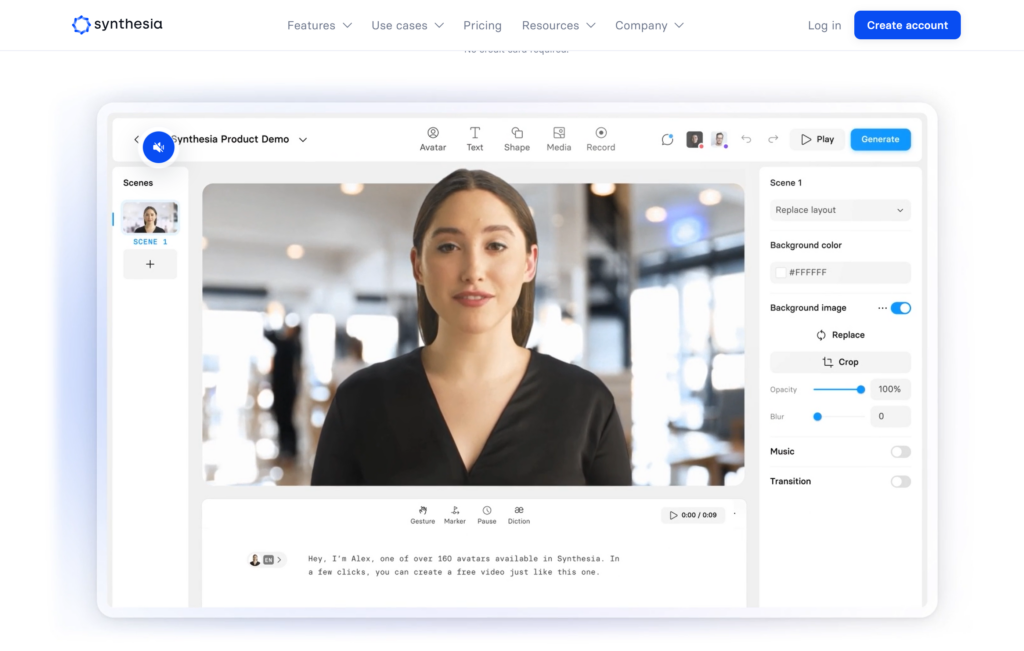
Whether you need how‑to guides, product demos, or global‑ready tutorials, Synthesia lets you scale without studios or voice‑over artists.
5. Wondershare Filmora: AI‑Enhanced Editing Made Simple
Best for: Seamless cuts, effects, and AI‑powered visual magic
Jumping into complex editors can be daunting—Filmora smooths the path with intuitive AI add‑ons:
- AI Portrait & Background Removal: Swap or blur backgrounds without a green screen.
- Smart Cutout & Auto Reframe: Automatically isolate subjects and adjust framing for mobile formats.
- AI Image Generation & Script Assist: Create supporting images on the fly and draft descriptions or social captions within the app.
Filmora’s familiar timeline interface combined with these AI boosts means faster edits, crisp visuals, and more creative freedom—even for beginners.
6. Opus Clip: Bite‑Sized Highlights in a Snap
Best for: Turning long videos into shareable Shorts and clips
Don’t let your best moments get buried in hour‑long uploads. Opus Clip analyzes your footage, finds the most engaging segments, and packages them into snackable clips:
- AI Curation Engine: Mimics a human editor to pick out the “wow” moments.
- Automatic Captions & Transitions: Add text overlays and smooth cuts without manual tweaks.
- Customizable Templates: Brand your clips with colors, logos, and calls to action.
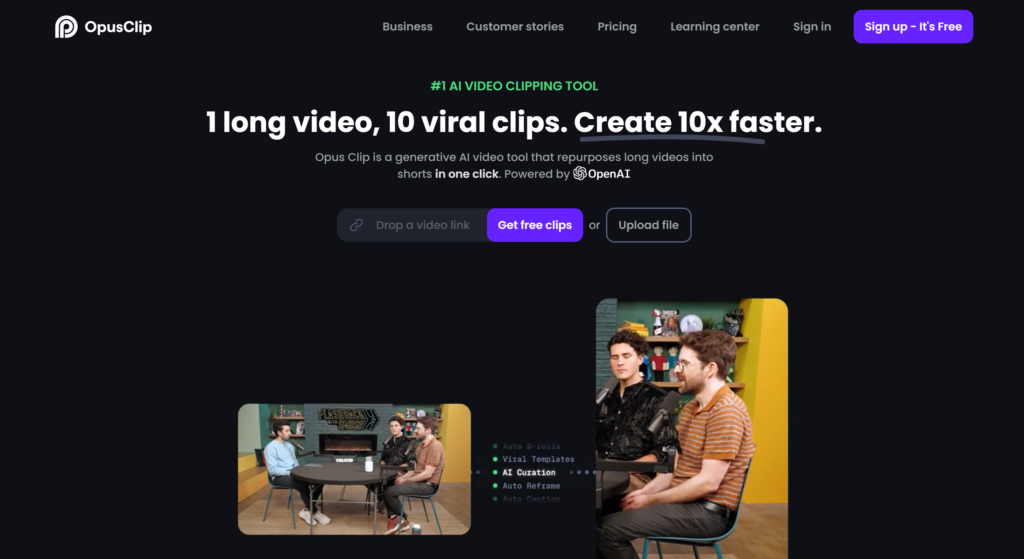
Whether you’re repurposing interviews or gaming streams, Opus Clip supercharges your social strategy—so you can expand your reach across TikTok, Instagram, and YouTube Shorts.
7. ManyChat: Chatbots That Keep Viewers Hooked
Best for: Personalized audience engagement and retention
Your relationship with viewers shouldn’t stop when the video ends. ManyChat’s AI chatbots help you nurture fans across platforms:
- Custom YouTube Flows: Use Zapier to trigger chat sequences based on video views.
- Automated Q&A: Answer FAQs about content, merch, or upcoming livestreams.
- Targeted Broadcasts: Send drop‑in reminders, exclusive sneak peeks, or poll questions to segmented groups.
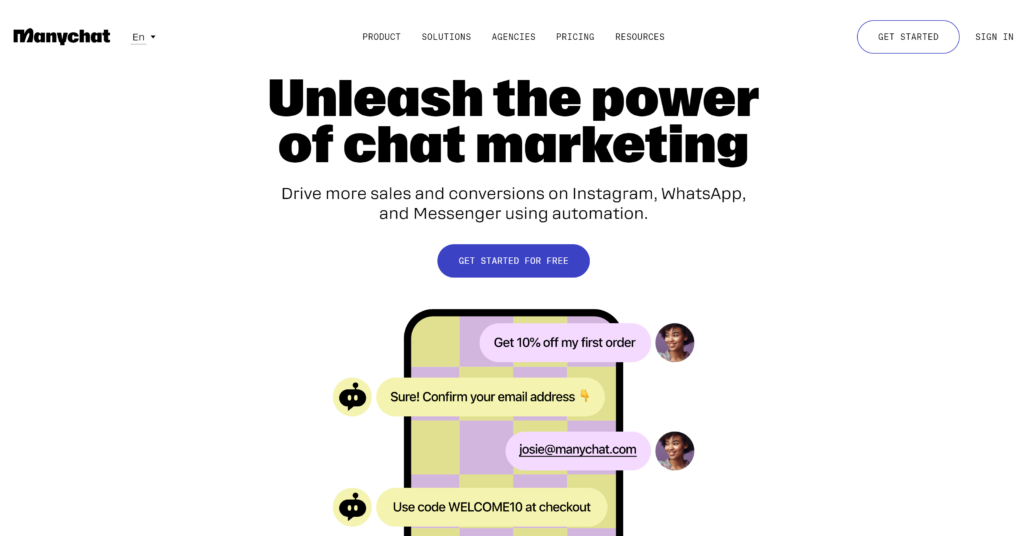
By turning passive viewers into active participants, ManyChat transforms one‑time watchers into loyal subscribers—without you having to reply to every comment manually.
Putting It All Together
No single AI tool can do everything—but used in concert, these seven platforms cover every corner of your YouTube journey:
- Plan & Research: TubeBuddy + VidIQ
- Write & Script: Jasper AI
- Record or Animate: Synthesia.io
- Edit & Enhance: Filmora
- Repurpose & Promote: Opus Clip
- Engage & Retain: ManyChat
Start with free trials or entry‑level plans to see which fits your style and budget. As you layer on these AI assistants, you’ll find yourself spending less time on grunt work and more time dreaming up the next viral hit.
Ready to supercharge your channel? Pick one tool, give it a spin, and watch how AI can unlock your creative potential—one video at a time.


