



In today’s multimedia landscape, a top‑notch video converter is as essential as a sharp lens and a steady tripod. Whether you’re a hobbyist preserving family memories or a seasoned editor producing professional content, your toolset must be versatile, reliable, and easy to navigate. Enter HitPaw, a comprehensive suite of video, audio, and image utilities that promises to be your one‑stop solution. But does it live up to the hype? Let’s dive in.
What Is HitPaw—And Why Should You Care?
At its core, HitPaw started as a powerful video converter, allowing users to transform clips into over 1,000 formats—from MP4 and MOV to AVI and MKV—without losing an ounce of quality. Over time, the developers expanded the lineup to include:

- Audio/Music Converters (Spotify, Apple Music)
- Screen Recorders for livestreams and tutorials
- AI‑Powered Editors for both photos and videos
- Object Removers (in stills and motion footage)
- Photo Enhancers, Watermark Removers, and Bulk Converters
With Windows and Mac compatibility, plus free downloads of every tool for trial, HitPaw aims to serve every creative role—from casual vloggers to content agencies.
A Feature Deep‑Dive
1. Video Converter
- 4K/HD Support: Transcode up to 4K footage with GPU acceleration.
- Subtitle & Metadata: Add, edit, or strip subtitles; preserve ID3 tags for audio.
- Built‑in Preview Player: Check your output before committing.

2. Edimaker (AI Video Editor)
- Text‑to‑Speech Subtitles: Automatically generate captions.
- Visual Effects Library: Stickers, filters, color grading, and more.
- Social‑Ready Exports: Preset formats for YouTube, Instagram, TikTok.
3. Photo Suite
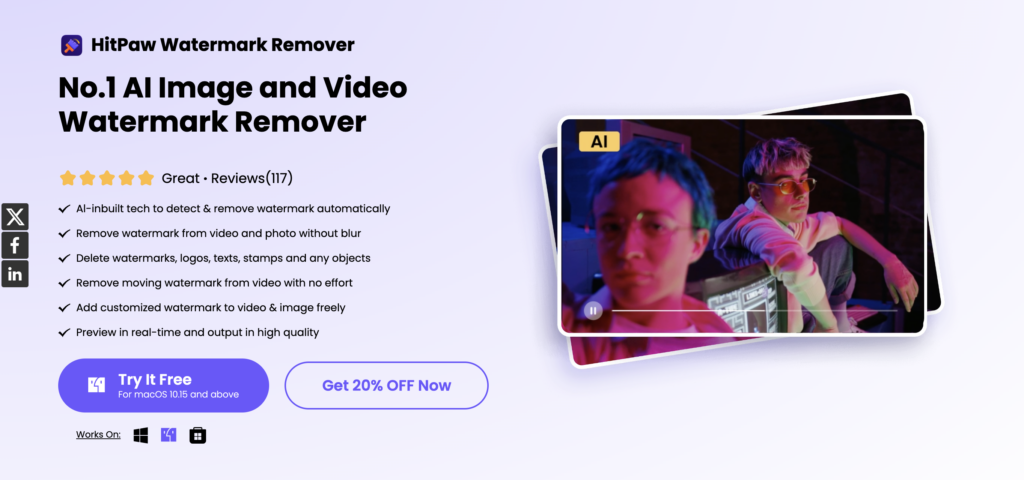
- Bulk Image Compressor/Converter: Process thousands of RAW or HEIC files into JPEG/PNG, watermark en masse, and resize without degradation.
- Photo AI & Enhancer: One‑click sharpening, color boost, upscaling to 8K, and background removal.
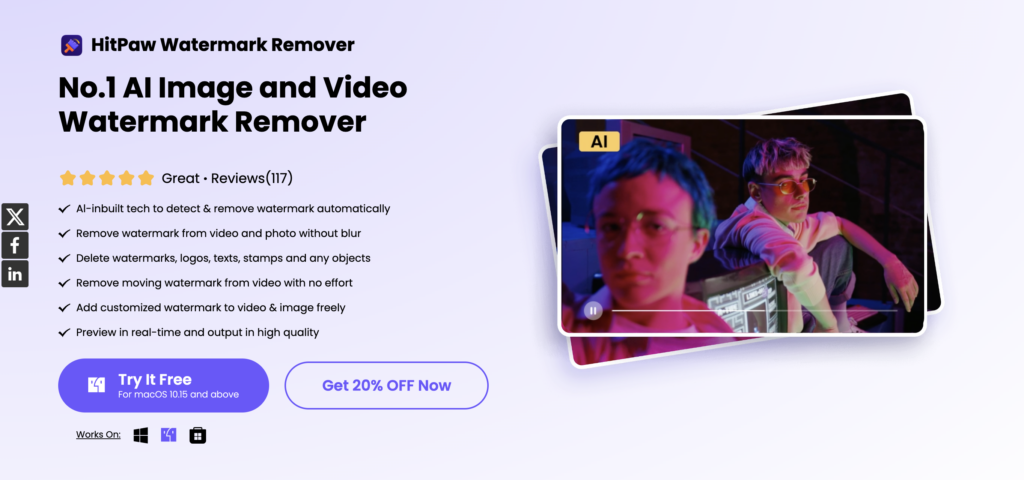
- Object Removers: Erase unwanted items—people, watermarks, blemishes—with pixel‑perfect precision.
4. Specialty Tools
- AI Video Enhancer: Upscale old or low‑res clips to 4K/8K, reduce noise, even colorize black‑and‑white footage.
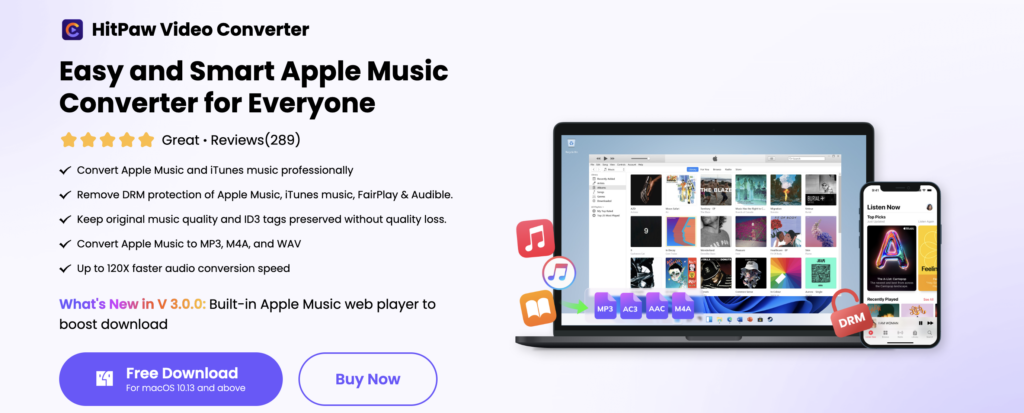
- Audio Utilities: Lossless Spotify or Apple Music downloads; one‑click vocal isolation for karaoke or remixing.
- Voice Changer (Coming Soon): Real‑time effects and celebrity‑style voices for livestreams and podcasts.

Price Point & Support
HitPaw’s licensing model offers monthly, annual, and lifetime plans for each tool. For instance, the Video Converter on Mac runs $29.95/month, $49.95/year, or $89.95 for perpetual access. While the cost feels steep if you purchase tools one by one, occasional bundle deals do appear—and a free trial lets you test functionality before committing.
Customer support is comprehensive: an in‑app guide, detailed online tutorials, and email ticketing. The documentation caters to both beginners (step‑by‑step walkthroughs) and pros (advanced feature explanations).

Where HitPaw Shines
- User‑Friendly Interface
Despite its extensive feature set, HitPaw keeps things intuitive. Tools are neatly grouped by category, commands are clearly labeled, and batch operations run smoothly. - All‑In‑One Convenience
Instead of juggling separate apps—one for video conversion, another for image editing, a third for screen capture—HitPaw packages them under one roof. - AI‑Driven Enhancements
The AI modules genuinely add value: from automatically removing backgrounds to intelligently upscaling footage that would otherwise look pixelated. - Format Support & Quality
Whether you’re preparing a presentation (AVI), uploading to YouTube (MP4), or preserving old home movies (MKV), HitPaw handles the gamut without noticeable quality loss.
Where It Stumbles
- Fragmented Pricing
Buying tools á la carte can get expensive; the absence of a clear all‑access pass may deter power users. - Opaque Trial Terms
The free trial requires registration and installation before you learn what’s included—frustrating if you’re merely “window shopping.” - Learning Curve for Advanced Features
While basic conversions are a breeze, AI‑powered modules and batch workflows may take a moment to master.

How HitPaw Compares
If you’re weighing alternatives:
- Veed.io offers a free, web‑based converter/editor with subtitle and transcription tools—ideal for quick social clips.
- Cutout Pro focuses on AI‑driven video upscaling and stabilization, with a credit‑based pricing model.
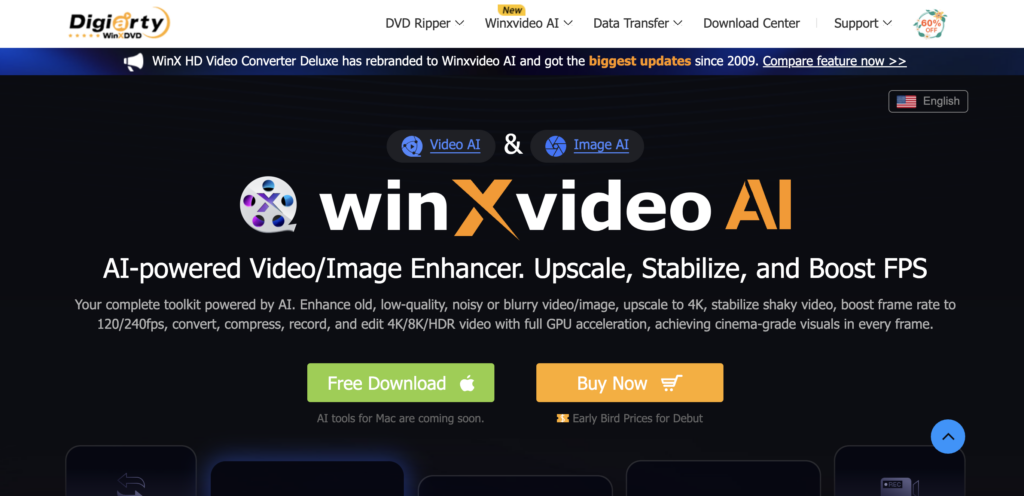
- Winxvideo AI excels in frame‑rate boosting and 4K upscaling, bundled with unlimited trials for new users.

Each has its niche. HitPaw’s edge lies in its sheer breadth: from music conversion to photo touch‑ups, it truly covers every corner of multimedia creation.
The Verdict
For anyone who juggles video, audio, and image tasks—especially those craving AI‑powered polish—HitPaw delivers a robust toolkit in a user‑friendly package. Its biggest hurdles remain pricing clarity and bundling options, but the overall value is hard to beat when you consider the sheer number of features on offer.
If your projects range from screen recordings to 4K movie remasters, and you prefer a unified workspace over scattered utilities, HitPaw is well worth a spin. Download the free trial, explore the core tools, and see firsthand if it rises to your “best video converter” expectations.


